When you operate Ingenious.V12 with a web server, IP address and port number, a server must be named. You can also set the number of hits per page when looking for contacts, as well as the starting and ending time in the calendar page. When you activated the field “Permit SOAP access”, the user access to the orders in the module “Purchase” is possible. For detailed information on this topic, please contact Ingenious GmbH. The remaining fields are for the setting of the Web access, and/or Web interface. With its help, you always have access to the Ingenious.V12 database. Your appointments, as well as all contact data and reports are always current and help you make important decisions with the client on location.
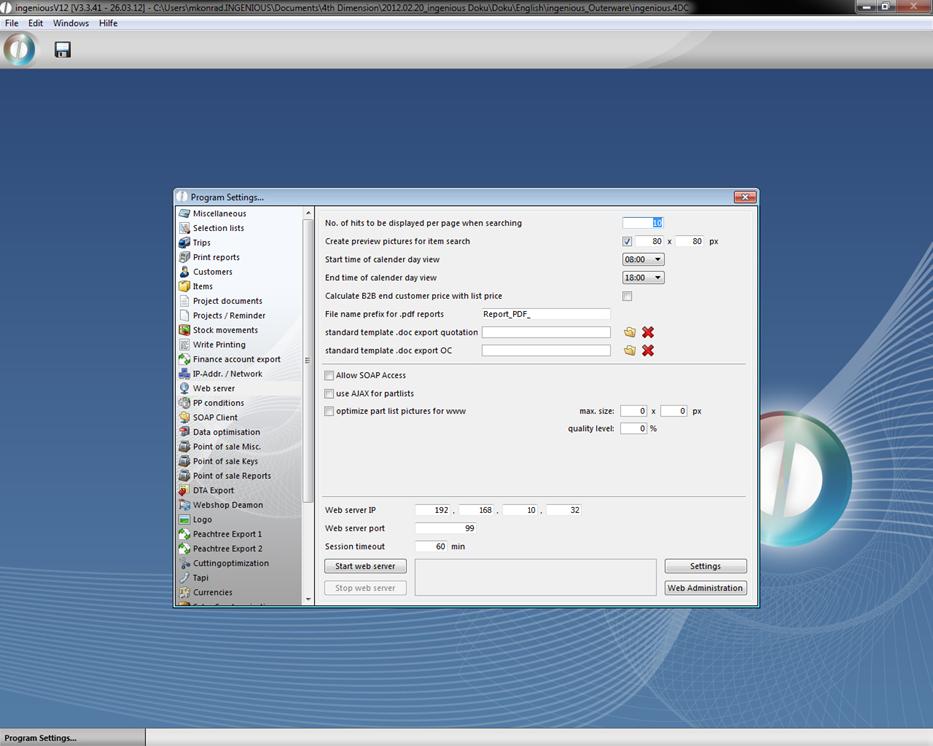
Web access / Web interface
In the 4D client register of the computer that serves as a web server, the file “Web folder” must exist. This contains the image folder “Images” as well as the data file “Index.html” and “onmouseover.css”. In the program settings, the IP address and IP port (Standard: 80) must be entered and stored. With the buttons “Start webserver” and “Stop webserver”, the web server can be controlled if the following conditions are met:
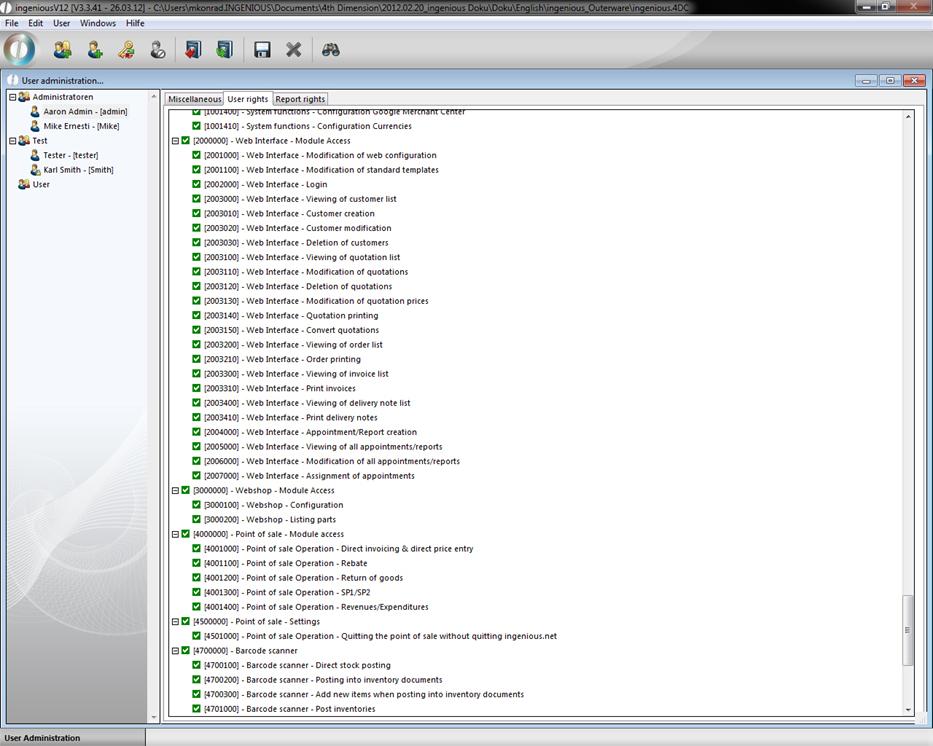
Only one computer can be a web server for web access!
With the button “Web administration” one reaches the configuration for the HTML system pages. The following pages must be created with content here.